Speed you do not notice
Bandwidth is unlimited and never throttled. Smart Location reads the live latency of every server and puts you on the quickest one for the network you are on.
VPN for every screen you own
XCONN VPN encrypts your connection and routes it through our servers in 12 countries. Unlimited bandwidth, no activity logs, and one subscription that covers Android, iPhone, Windows, Mac and Firestick.
Plans from $3.00 · 7-day refund on your first payment
Works everywhere
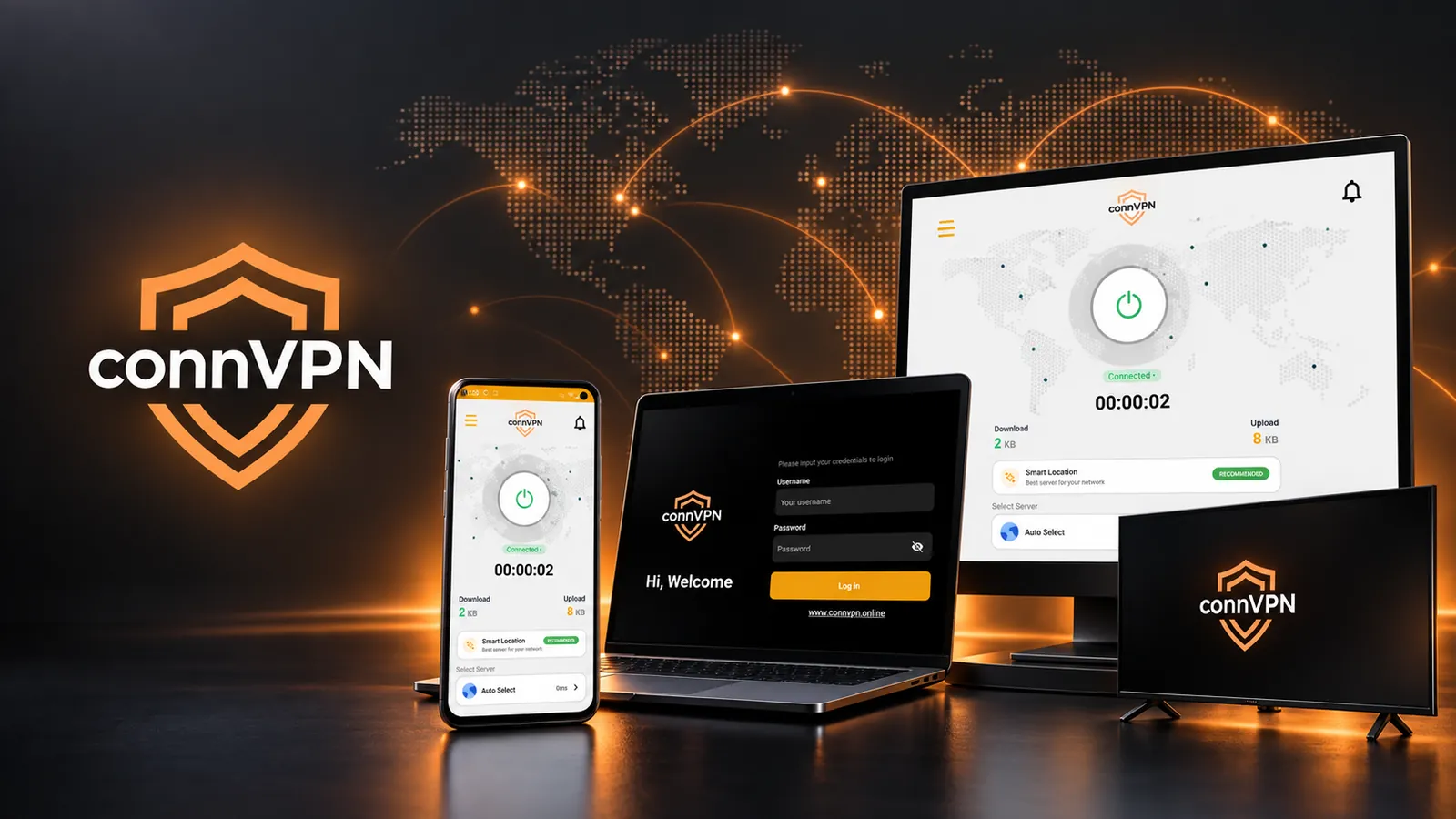
Install XCONN VPN on your phone, your laptop and the TV in the living room. Sign in with the same details on each one.
Why XCONN VPN
A VPN only works if you leave it on. Everything below exists so that leaving it on costs you nothing.
Bandwidth is unlimited and never throttled. Smart Location reads the live latency of every server and puts you on the quickest one for the network you are on.
We do not record the sites you visit, the addresses you connect to or what you transfer. There is no browsing history on our side to lose or to be asked for.
Every connection is wrapped in AES-256. On an airport or hotel network, the people sharing it with you see encrypted traffic and nothing else.
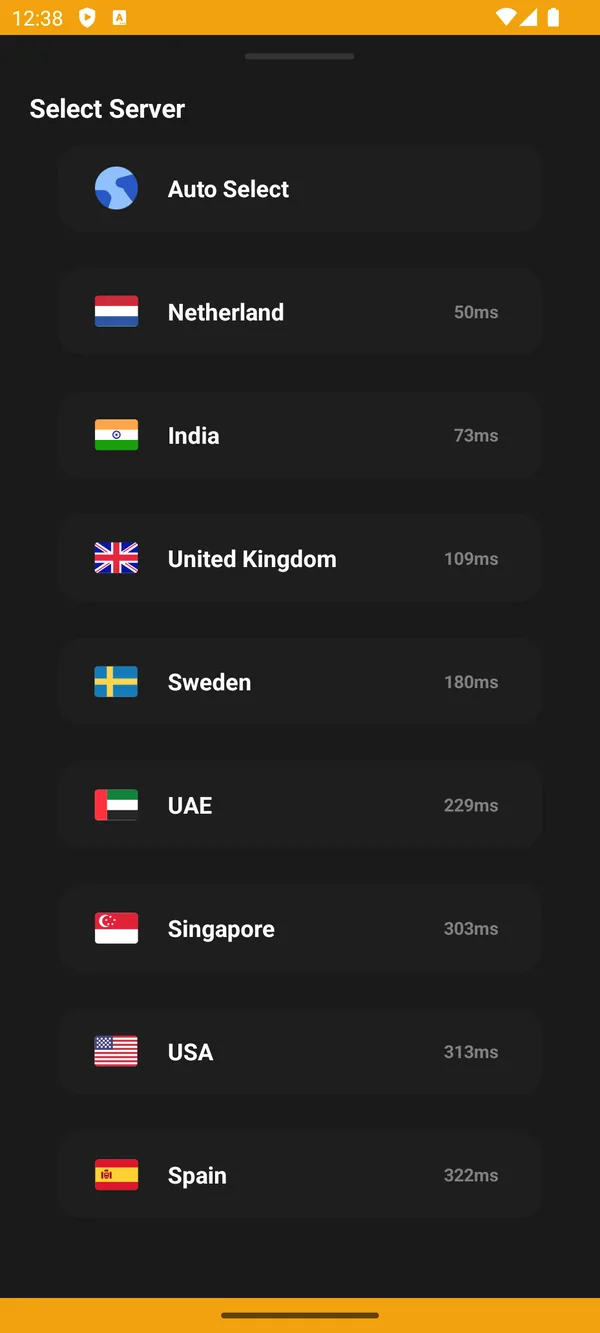
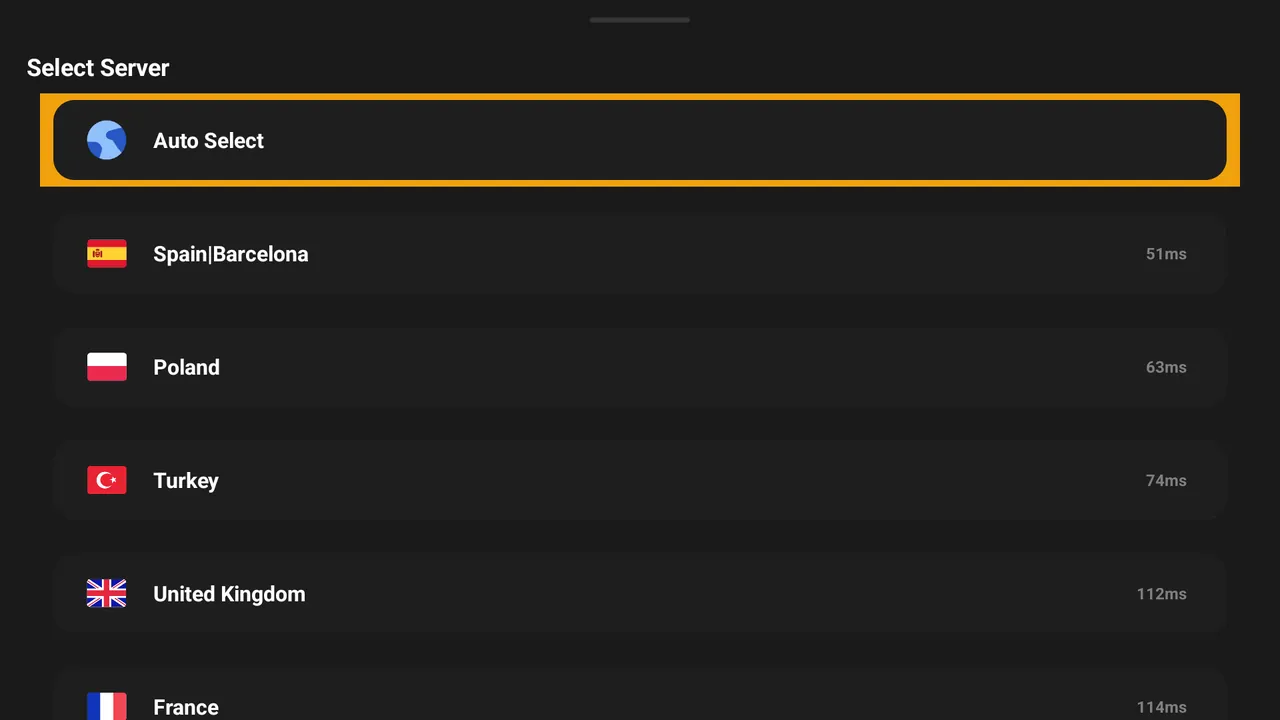
Locations across Europe, North America, the Middle East and Asia, each showing its real ping in the app before you connect.
Phone, tablet, laptop, desktop and TV stick can all be signed in at the same time. No per-device upgrade, no surprise add-on.
Open a ticket from the client area at any hour. Connection problems, billing questions and refund requests all go to the same place.
The real app
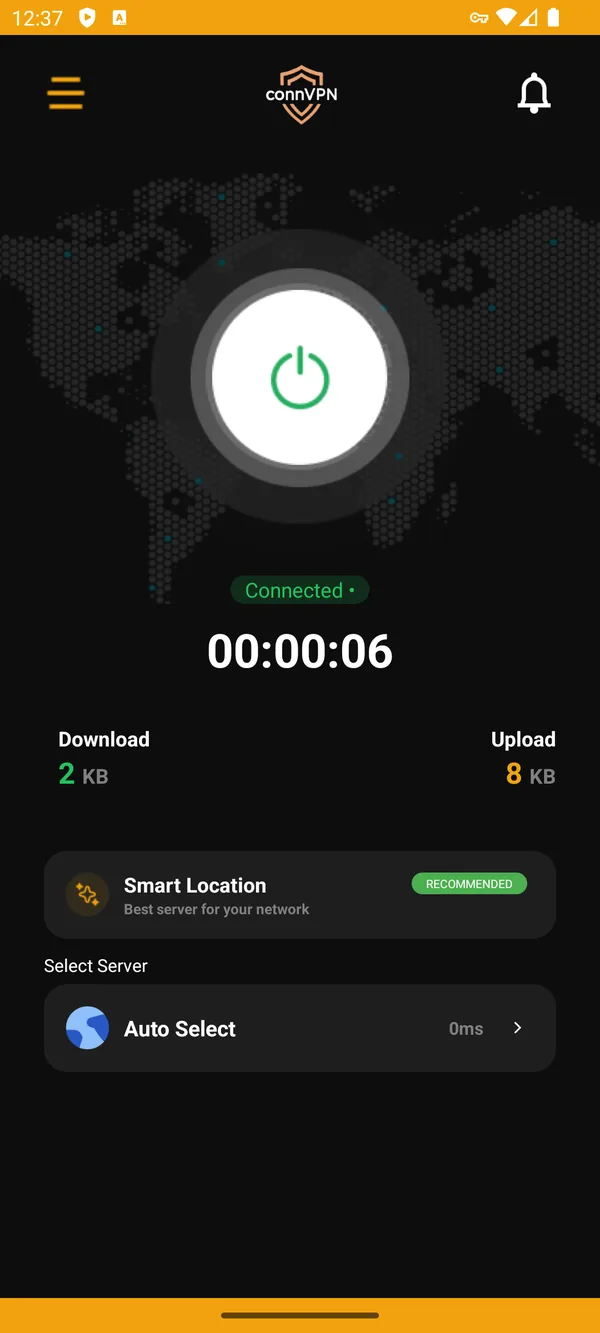
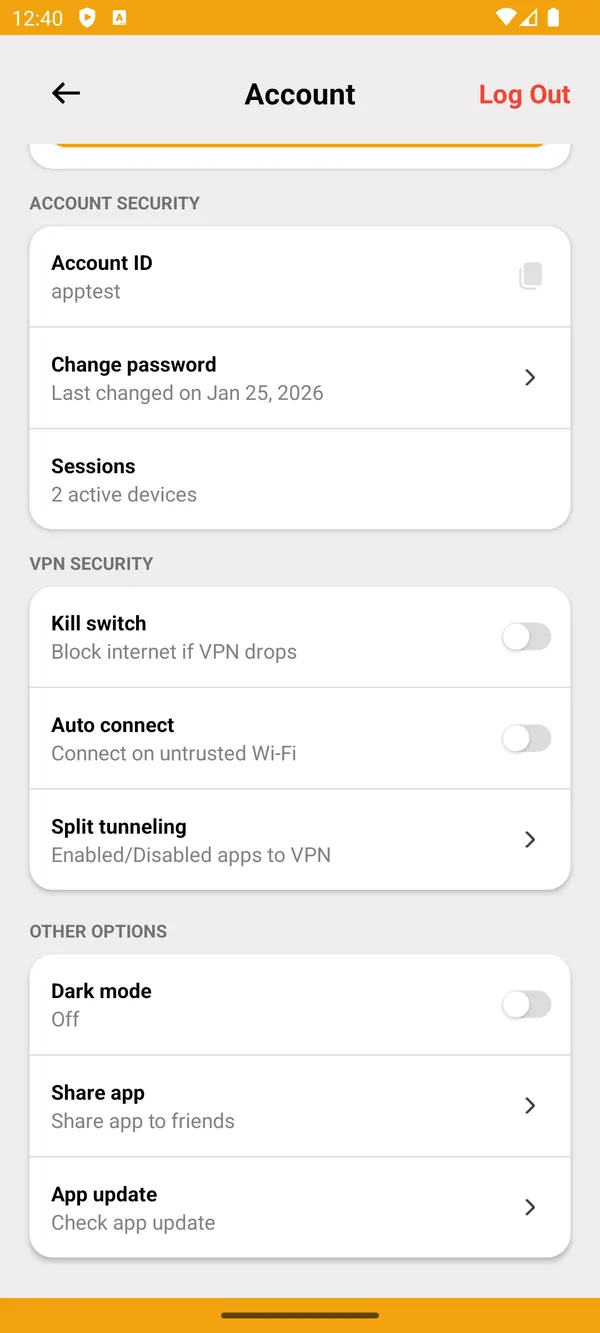
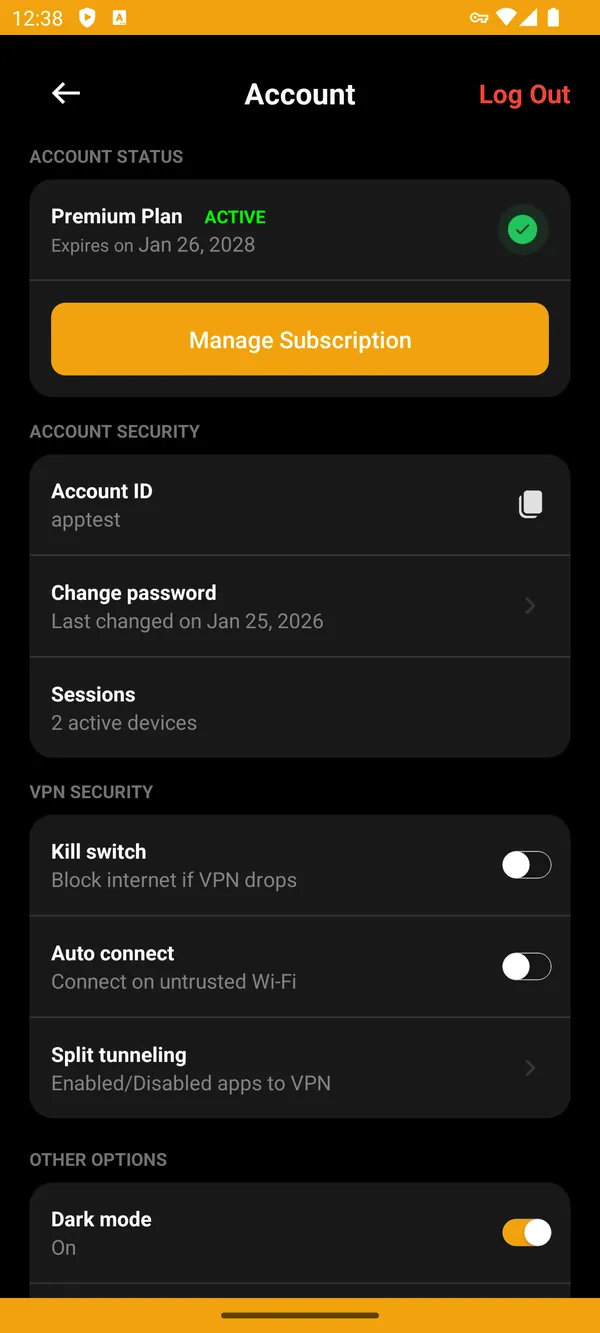
Every screen below is a screenshot from the shipping XCONN VPN app: one control to connect, the live speed of the tunnel, and the settings that matter one tap away.
Core features
No paid tiers hiding the useful settings. Every feature below is in every plan.
A single control on the home screen. Press it and you are protected; press it again and you are not.
If the tunnel drops, all traffic is blocked until it is back, so your real address never leaks during a reconnect.
Choose which apps go through the VPN. Keep a banking app or a local service on your normal connection.
The app can connect by itself the moment you join a Wi-Fi network it does not recognise.
Measures every location and picks the fastest for your network instead of guessing from your country.
No record of the sites you open, the addresses you reach or the files you move.
Sign in on phone, tablet, laptop, desktop and TV stick at the same time under one subscription.
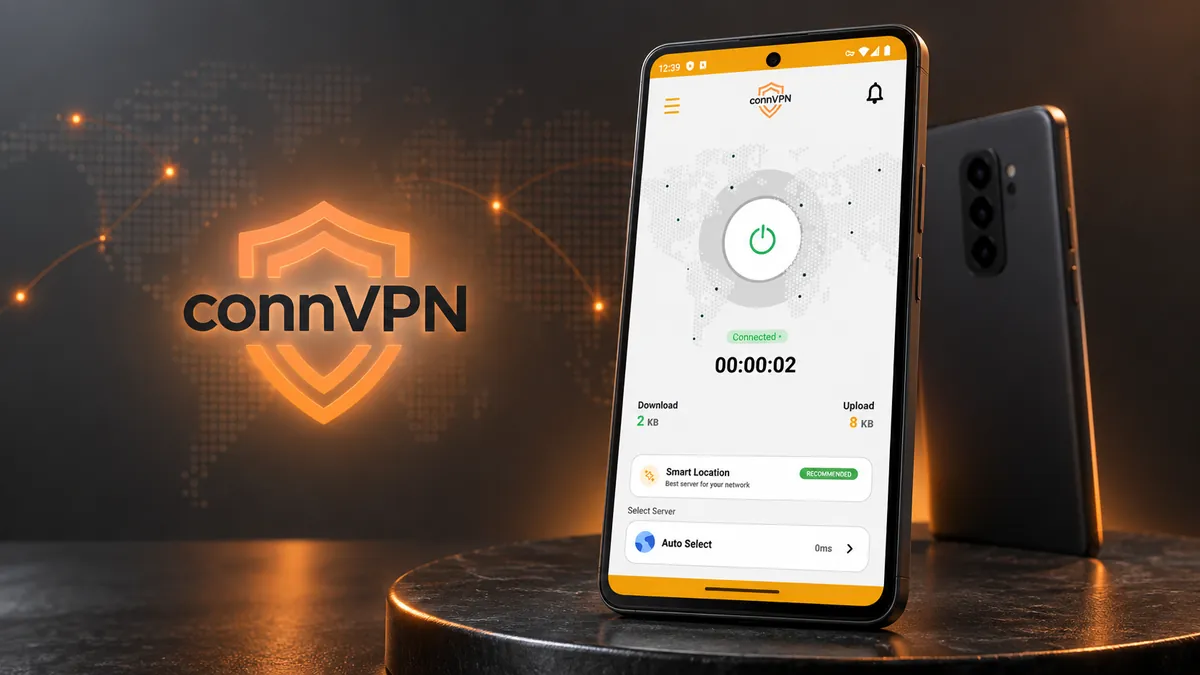
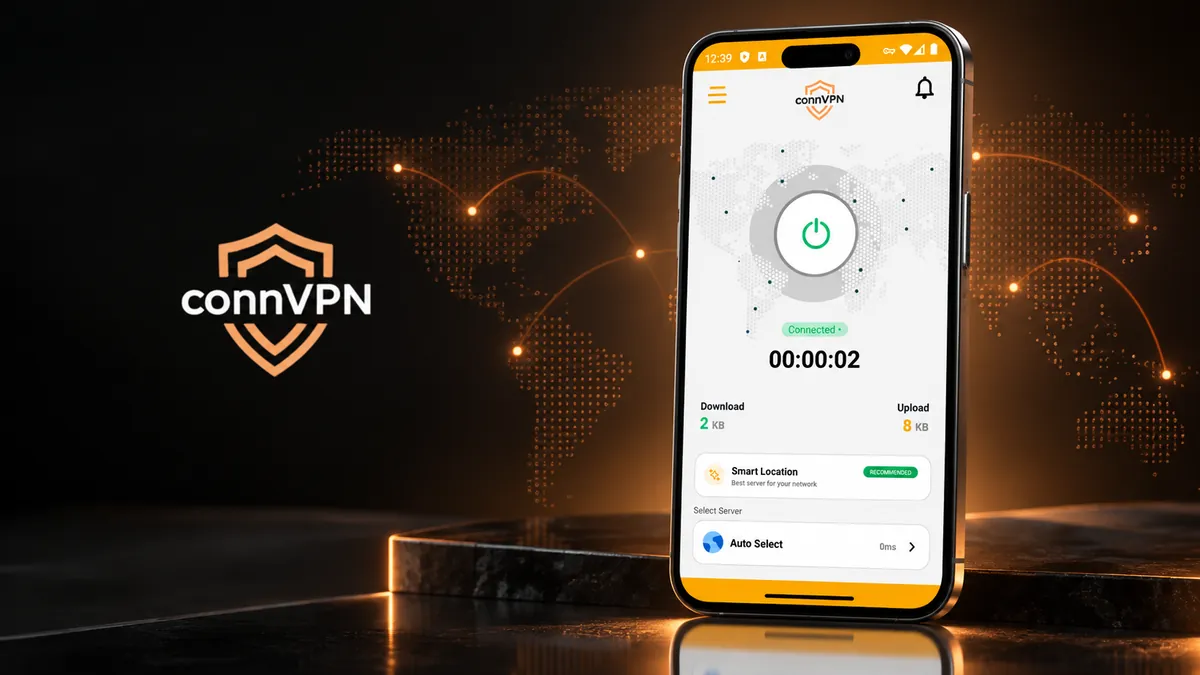
Session timer, download and upload throughput and current latency, on screen while you are connected.
Supported devices
Not a config file and a set of instructions - a native app built for the screen it runs on.
VPN for Android
Phones and tablets. One tap to connect, a persistent notification while protected, and split tunnelling so the apps you choose stay on your normal connection.
VPN for iPhone
The same one-tap connection on iPhone and iPad, built on the native network extension so it reconnects cleanly when you move between Wi-Fi and mobile data.
VPN for Windows
A full desktop client with live download and upload readings, Smart Location, and a kill switch that cuts traffic the moment the tunnel drops.
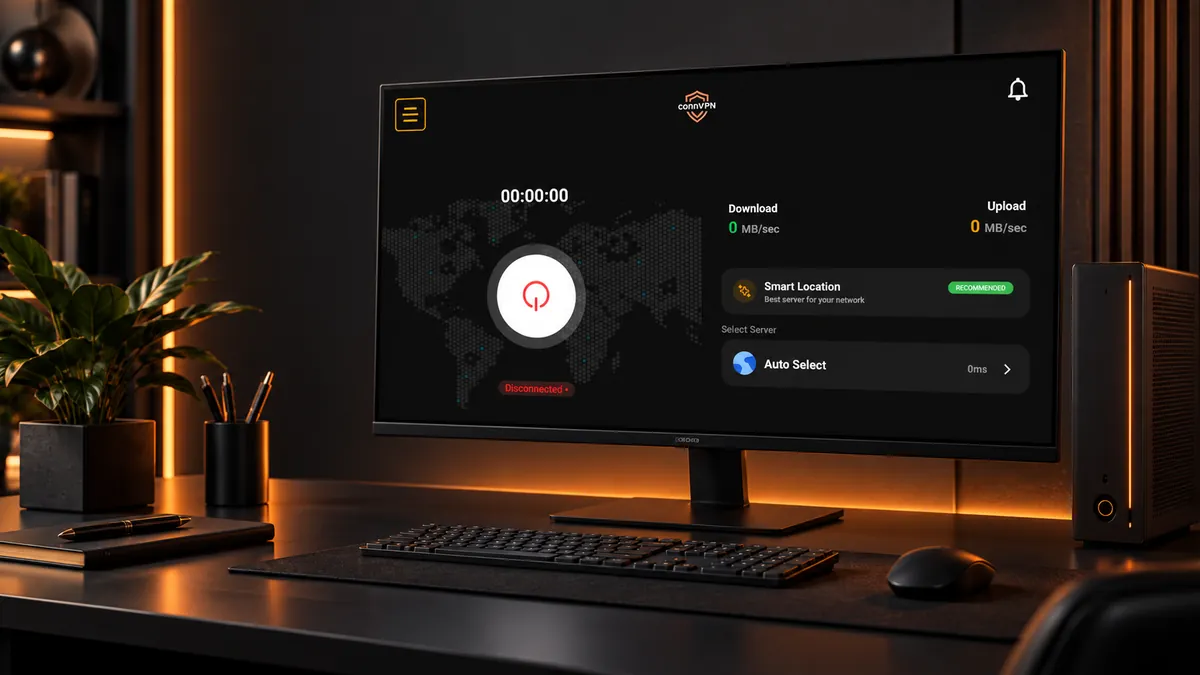
VPN for Mac
Native Apple silicon and Intel builds. Sign in once and the app keeps your Mac on the fastest server for your network.
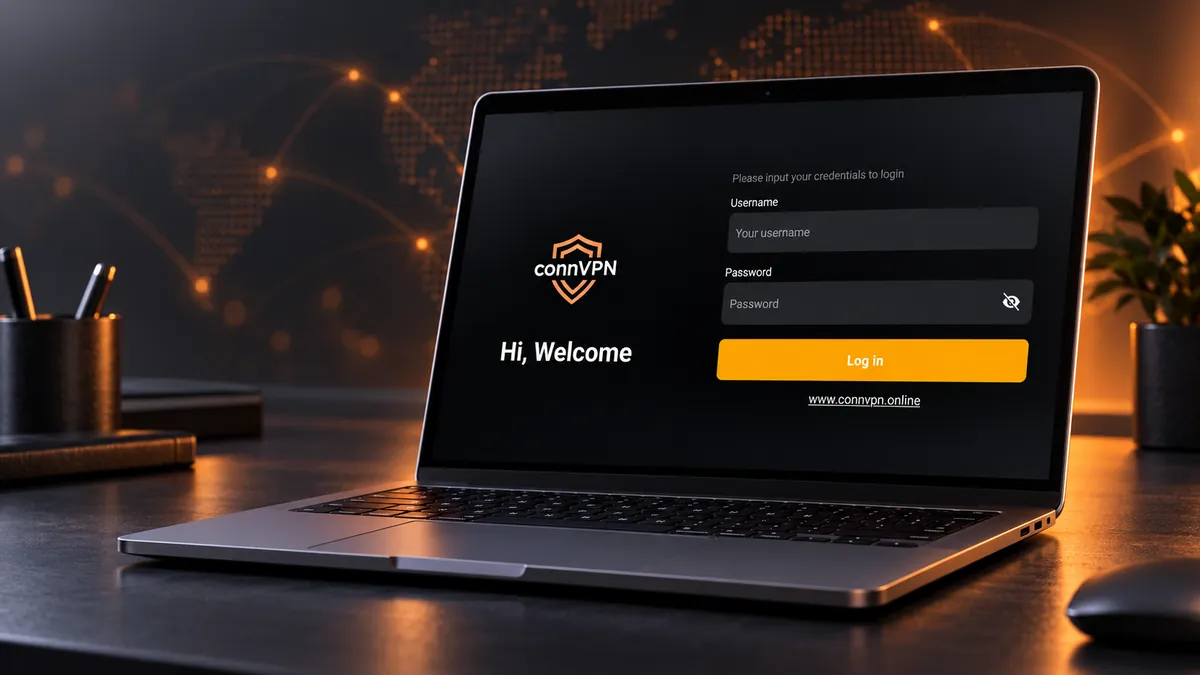
VPN for Firestick
A remote-friendly ten-foot layout for Fire TV Stick and Android TV boxes, with the same server list and the big connect control front and centre.
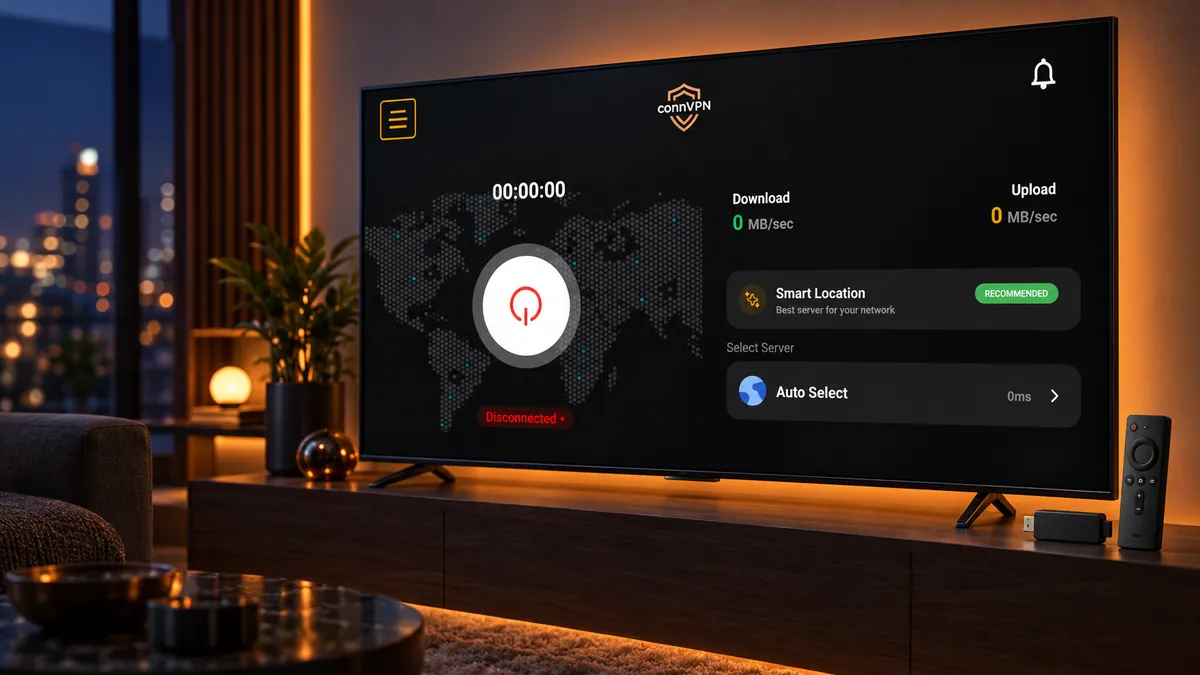
How it works
Choose the term that suits you. The longer the term, the lower the monthly cost.
Pay by card through Stripe or with PayPal. Your account is created the moment the payment clears.
Grab the build for your device from the downloads page and install it.
Enter the username and password from your client area, press connect, and you are done.
Pricing
Every plan includes all the features, all the locations and five simultaneous devices. The only thing that changes is how long you pay for at once.
$3.00 / 1 month
$3.00 equivalent per month
Choose plan
$6.00 / 3 months
$2.00 equivalent per month
Save 33%
Choose plan$9.00 / 6 months
$1.50 equivalent per month
Save 50%
Choose plan$15.00 / 12 months
$1.25 equivalent per month
Save 58%
Choose planPrices in USD and billed through our secure billing portal. Compare plans in detail
Security & privacy
A VPN is only worth paying for if the company running it holds nothing about you. Here is exactly how that works at XCONN VPN.
The same cipher suite used to protect banking traffic, applied to everything that leaves your device.
Our servers are not configured to write connection or activity logs, so there is nothing to disclose later.
DNS requests travel inside the tunnel, and the kill switch stops traffic the moment the tunnel goes down.
Card details go straight to Stripe or PayPal. Full card numbers never touch our systems.
FAQ
XCONN VPN is a subscription VPN service. It encrypts the traffic leaving your device and routes it through one of our servers, so the sites you visit see our server address instead of your own and anyone on the network between you and us sees only encrypted traffic.
Android phones and tablets, iPhone and iPad, Windows 10 and 11, macOS, and Fire TV Stick or Android TV. One subscription covers up to five devices at the same time.
No. We do not record the sites you visit, the files you transfer or the addresses you connect to. We keep only the account data we need to bill you and to stop abuse of the network.
Bandwidth is unlimited and never throttled. The app shows the live latency of every location, and Smart Location picks the quickest server for the network you are on.
Card payments are handled by Stripe and PayPal is also accepted. Subscriptions renew at the end of each term and you can cancel at any time from the client area - the service then runs to the end of the period you have already paid for.
Checkout takes you to your XCONN VPN account, where your username and password are waiting. Download the app for your device, sign in with those details and press connect.
One subscription covers five devices across Android, iPhone, Windows, Mac and Firestick. Set it up in under two minutes.
7-day refund on your first payment · Cancel any time from the client area