VPN for Android
Android
Phones and tablets. One tap to connect, a persistent notification while protected, and split tunnelling so the apps you choose stay on your normal connection.
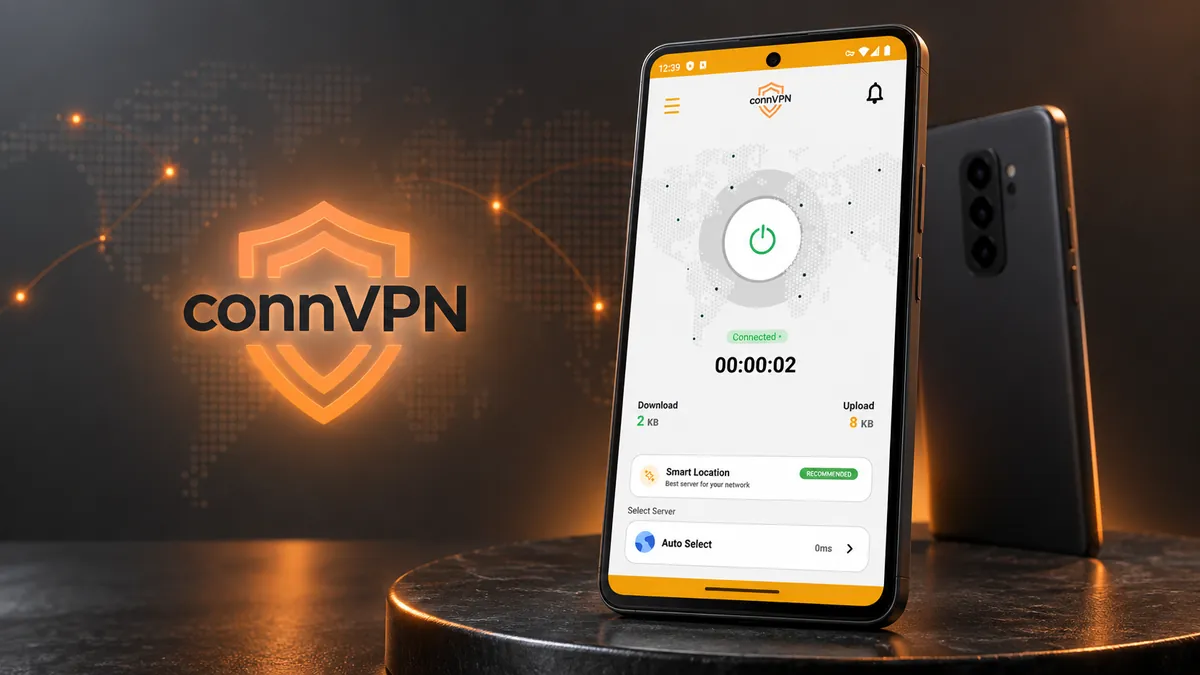

Native apps for Android, iPhone, Windows, macOS and Firestick. Install, sign in with your client area details, press connect.
VPN for Android
Phones and tablets. One tap to connect, a persistent notification while protected, and split tunnelling so the apps you choose stay on your normal connection.
VPN for iPhone
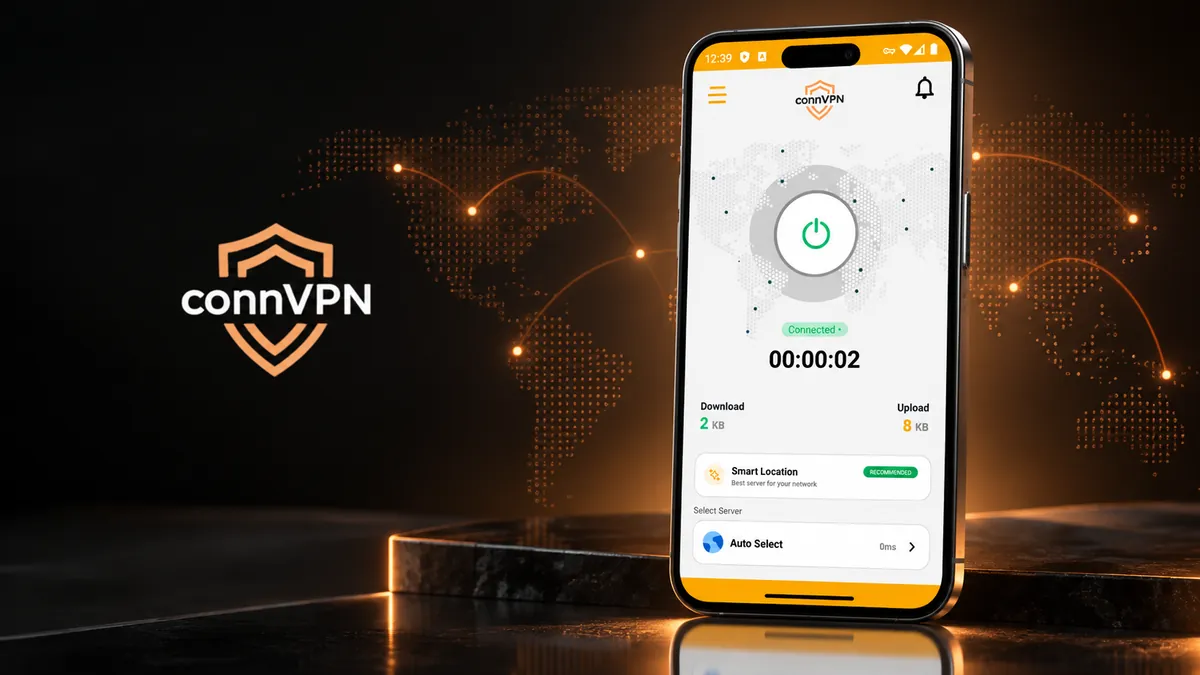
The same one-tap connection on iPhone and iPad, built on the native network extension so it reconnects cleanly when you move between Wi-Fi and mobile data.
VPN for Windows
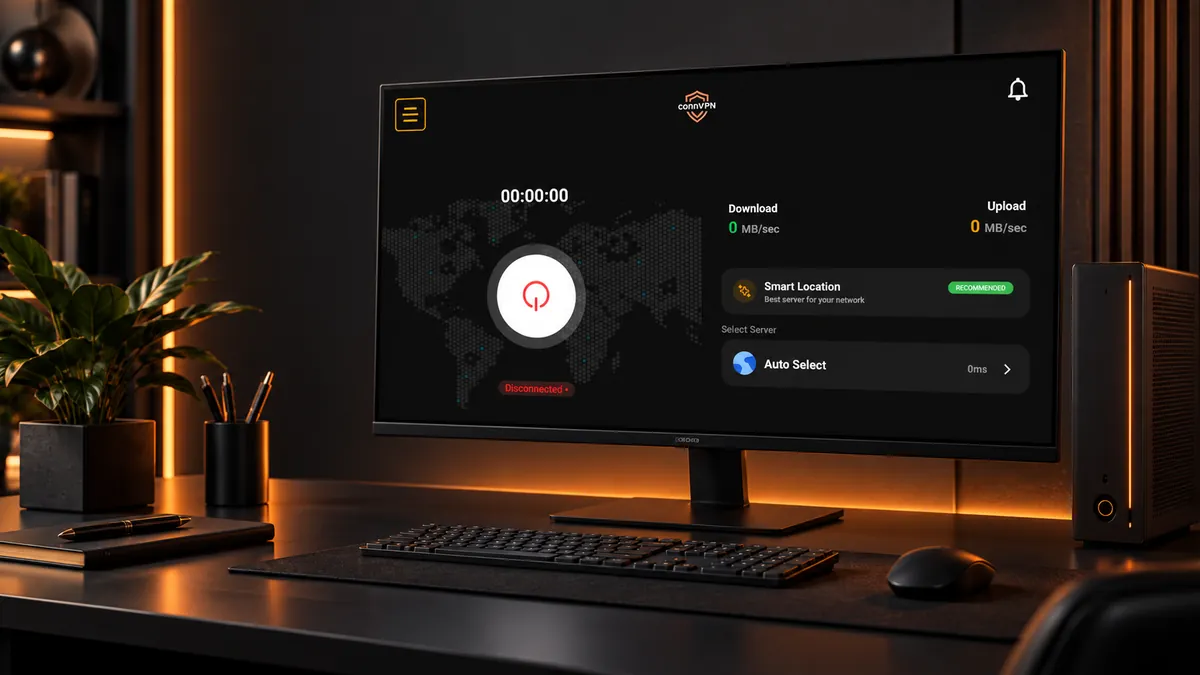
A full desktop client with live download and upload readings, Smart Location, and a kill switch that cuts traffic the moment the tunnel drops.
VPN for Mac
Native Apple silicon and Intel builds. Sign in once and the app keeps your Mac on the fastest server for your network.

VPN for Firestick
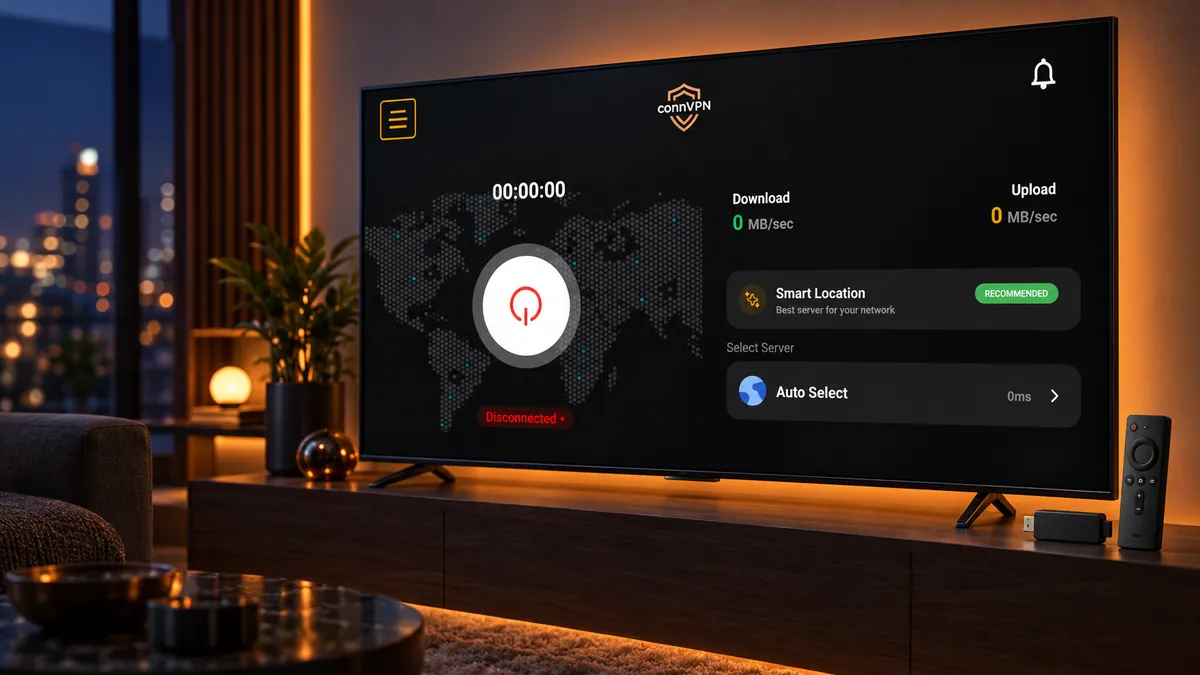
A remote-friendly ten-foot layout for Fire TV Stick and Android TV boxes, with the same server list and the big connect control front and centre.
Setting up
Any term. Your account is created as soon as payment clears.
Your VPN username and password are on your service page.
Use the download button above for the device you are on.
Press the power control. Smart Location picks the fastest server for you.
Pick a plan, and your sign-in details are waiting in the client area by the time the app finishes installing.
7-day refund on your first payment · Cancel any time from the client area